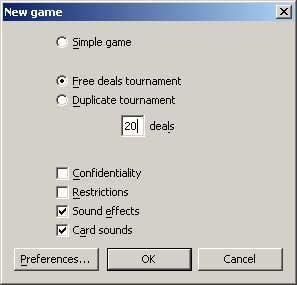
 To start a game, select NEW in the FILE menu. A dialog allows you to choose which type of games you wish to play: simple game, free deals tournament, duplicate tournament.
 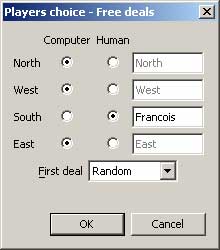 A dialog allows you then to choose who will control each of the 4 players between the computer or the user. The human players have moreover the possibility to type their name.
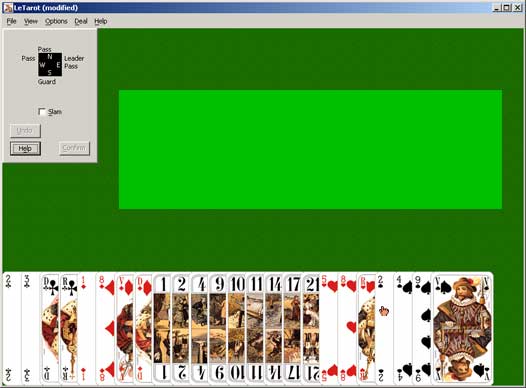
 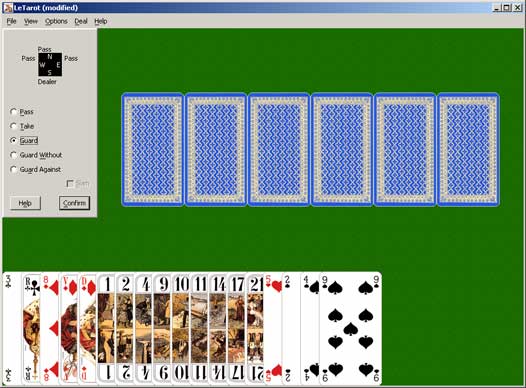 The dealer is randomly chosen and, by starting at the right side of the dealer, each player consults his play and makes his bid one after the other. For a human player, the hand is displayed and a dialog box appears proposing the various possible bids. The higher part of the dialog indicates the bids of the preceding players. It should be noted that if a preceding player has, for example, announced a Take, this bid is now dimmed and cannot be chosen. If the player requested the assistance of the computer for the bidding (in the Preferences) or if he selects Help, the computer proposes a bid that the player can accept or modify.
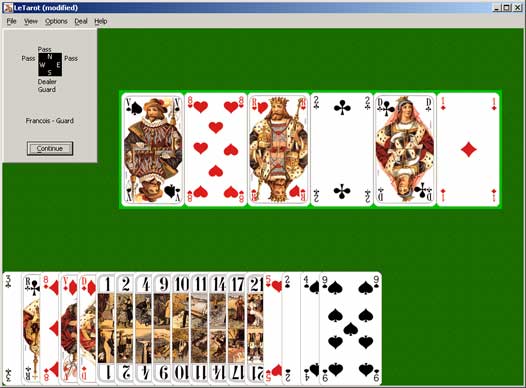 If a contract was announced and if it is not a Guard Without or Against, the Dog is shown up to all the players. You just have to click to continue.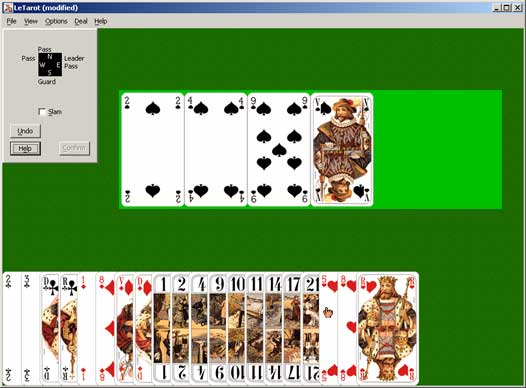
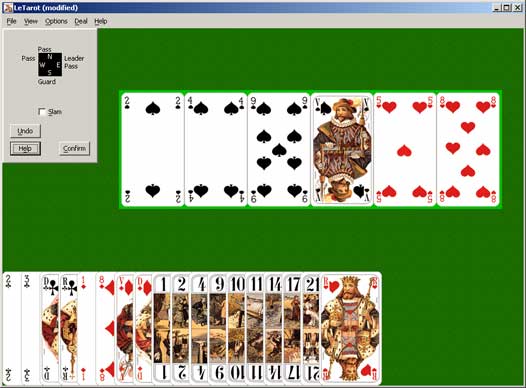 Each time there are 6 cards in the Discard, the CONFIRM button is active, and the Taker has the possibility to confirm his choice.
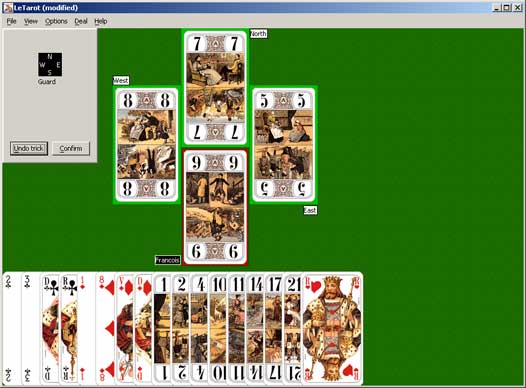
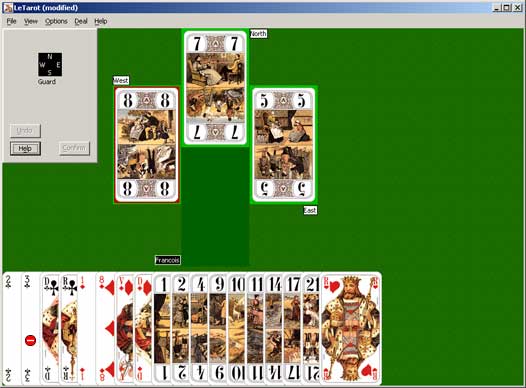 The higher part of the screen is used to display the cards played by the 4 players during a trick. The cards are laid out according to the 4 cardinal points. The area of the Taker is indicated with his name in white on black. The position of the current player is shown by a background colour darker than the 3 others and the winner of the trick has his card surrounded by a red line.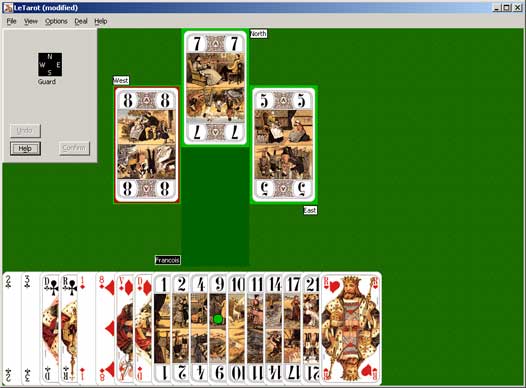
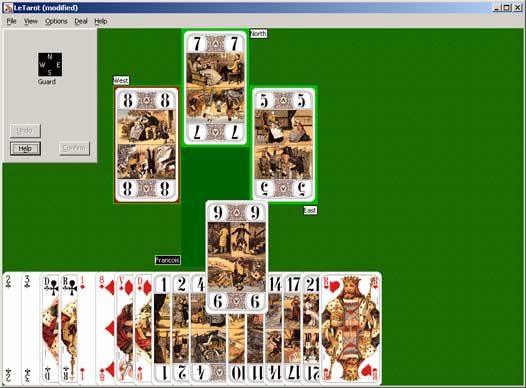
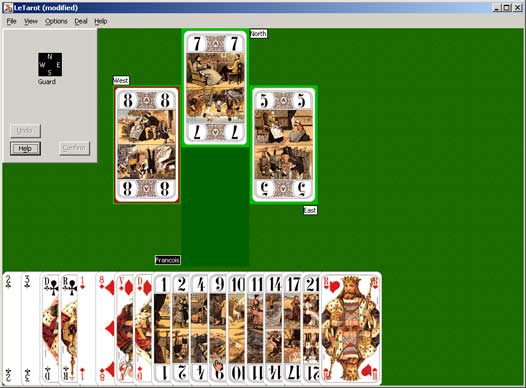
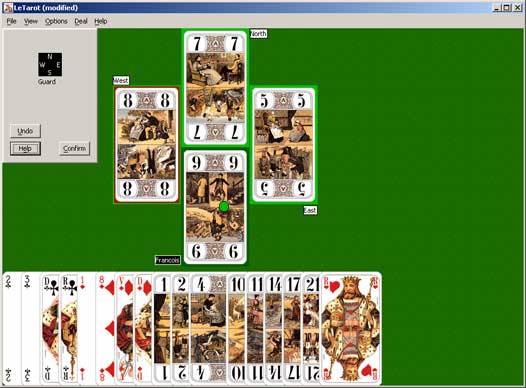 To confirm his choice, the player must move the cursor over the area where the selected card is appearing and click when the cursor is changed into a green light. It will be then to the next player to play. If the player is sure about the card he wants to play, he can select and confirm at the same time, by making a double-click on this card.